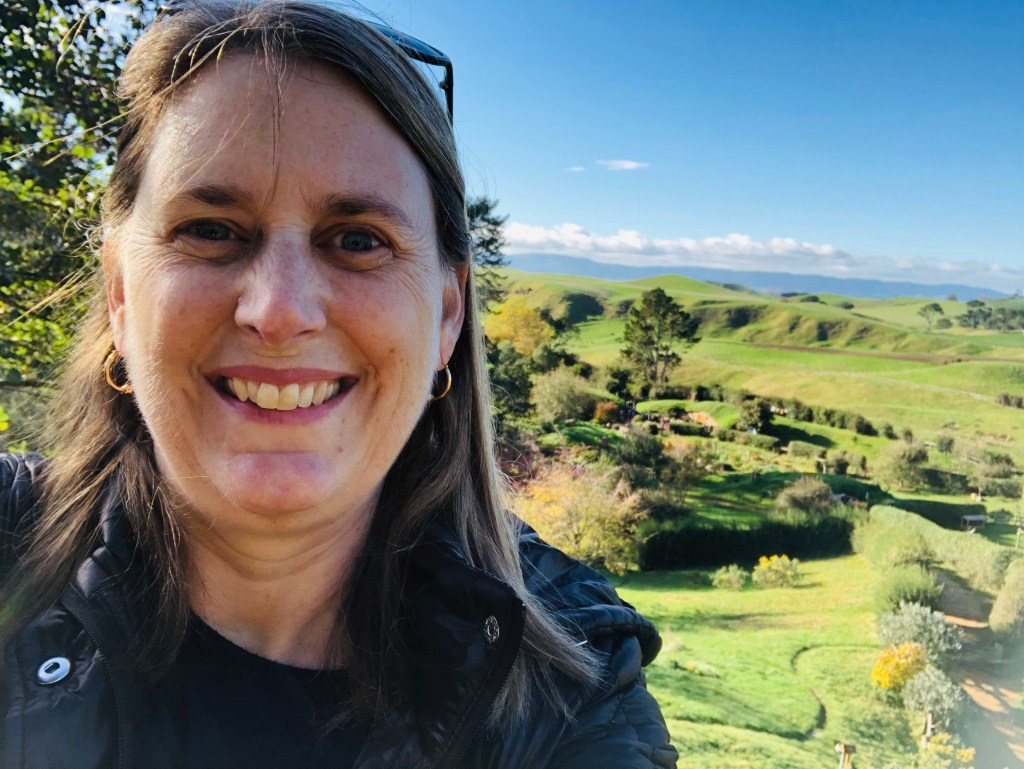
Happy July! I’m back from Portugal and Bermuda, and I’ve got a phone absolutely full of photos to show for it. Before I get into the craft room stuff, I want to share how I’m sorting through it all — because if you travel and scrapbook, you know the photo pile can get overwhelming fast. Let’s catch up!
The Trip: Portugal, Bermuda, and a Lot of Football 🇵🇹⚽
We had a really good trip. One thing I didn’t expect was how much fun it would be to be in Portugal during the World Cup. We ended up watching matches with the locals, and the energy was something else. Same in Bermuda with the English matches, a big screen in a park or a pub, a crowd of people who clearly know the game, and me, a total non-football person, just soaking up the enthusiasm. It was a good time to be there.
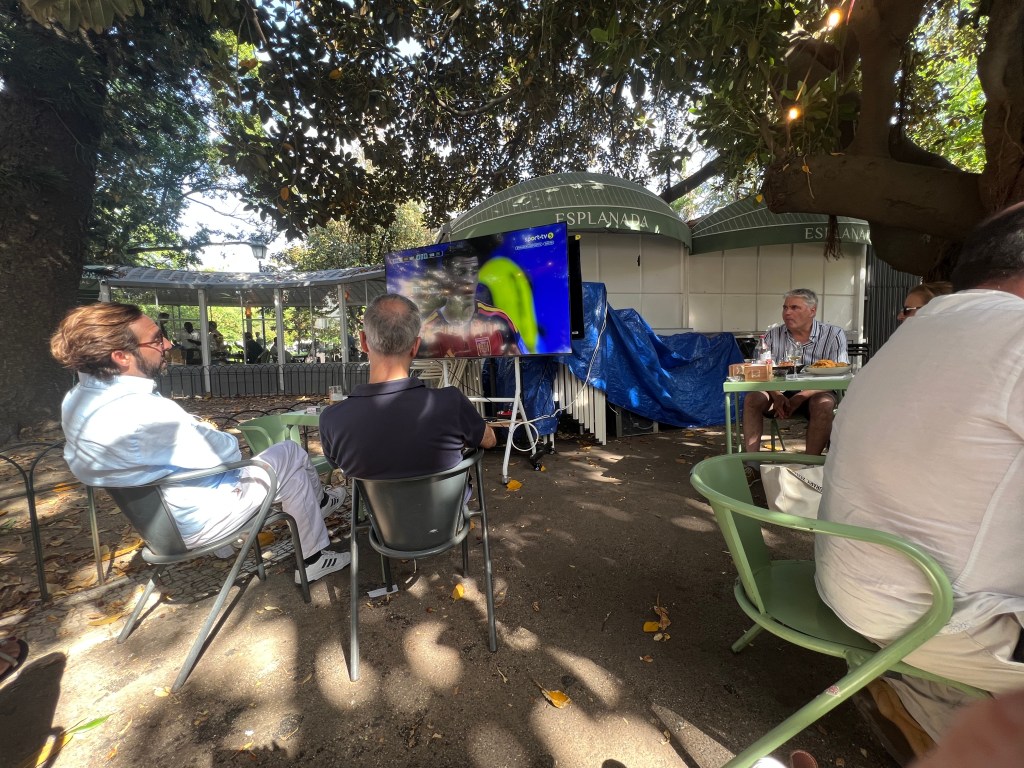
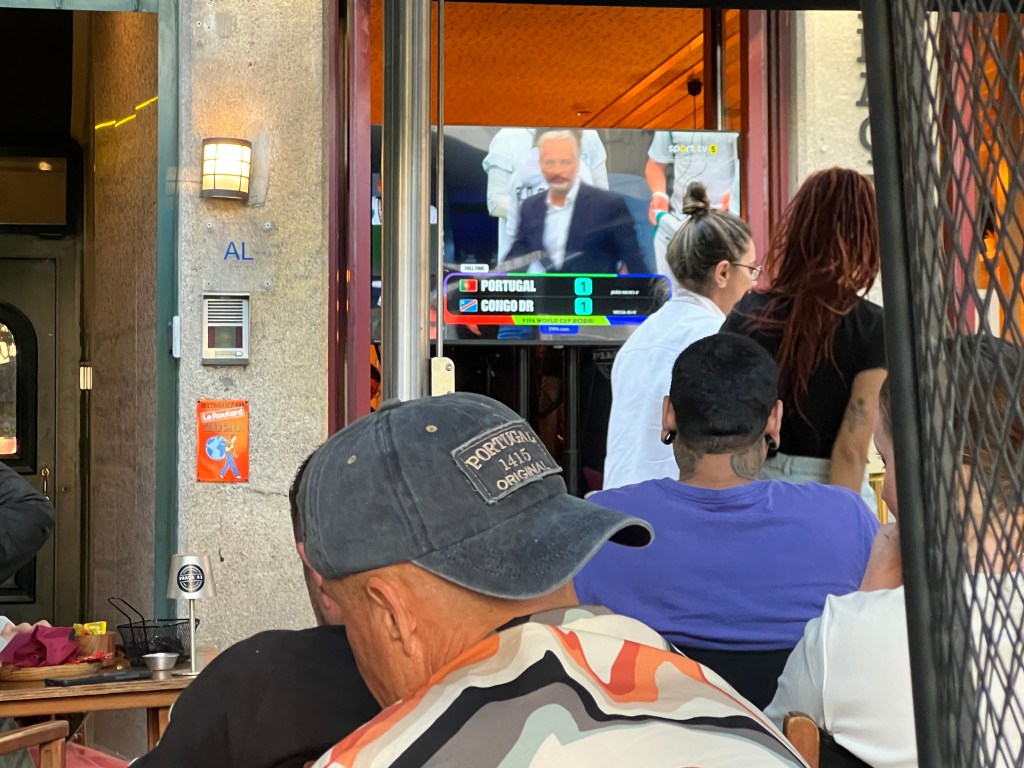
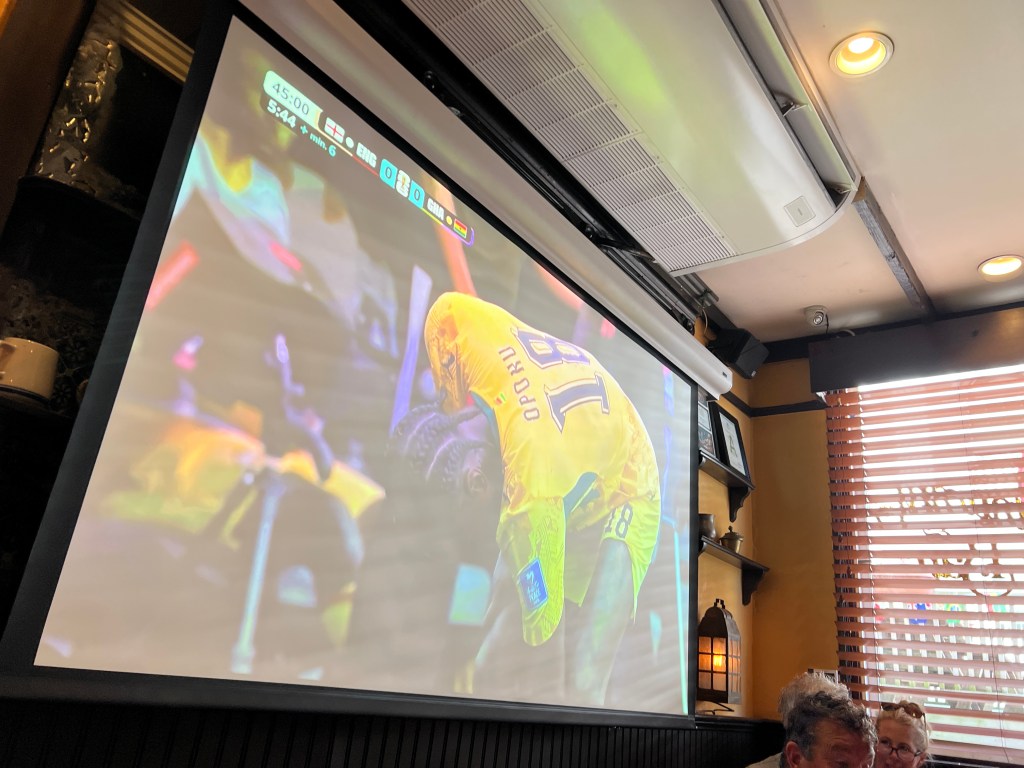
There were lots of other surprise events we ran into as we were traveling. A Mini Car Club meet-up, a European Hog Rally, St. Anthony Celebration and Bermuda Wednesday Night Market. It really added to our experiences in each of these places we visited. I love running into these small daily things it makes me feel like I am really experiencing a place and the people.
I’ll be sharing more photos and pulling some of these into layouts over the next few months, but for now — here’s a peek at where my head’s at with organizing it all.
My Photo Organizing Roadmap (For When You Get Home With 500+ Photos) 📱
If you follow me on Instagram or Facebook, you saw I was posting along the way. But once you’re home, all those photos are just sitting there in your camera roll, mixed in with everything else. Here’s the system I’ve landed on this year.
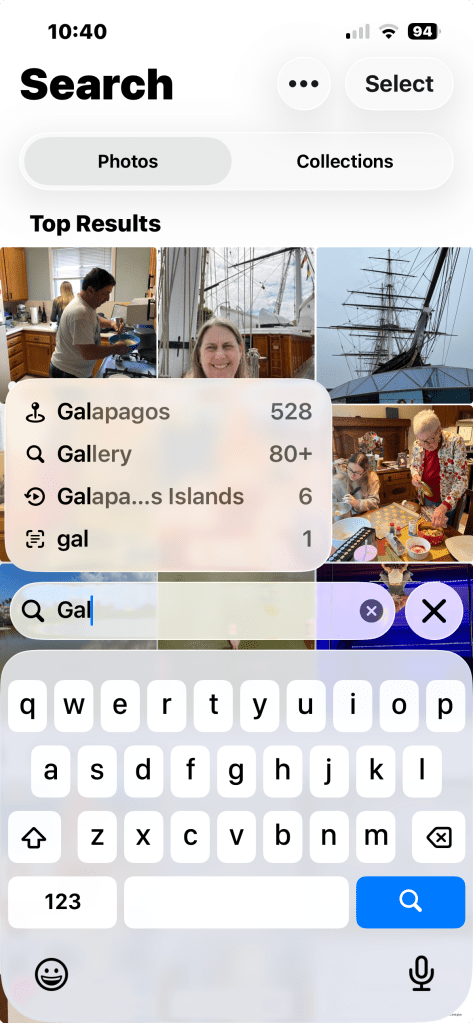
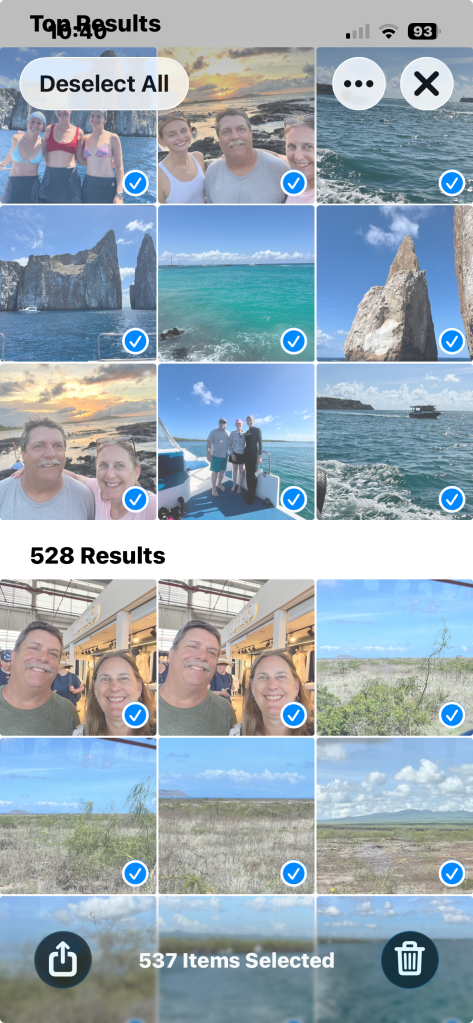
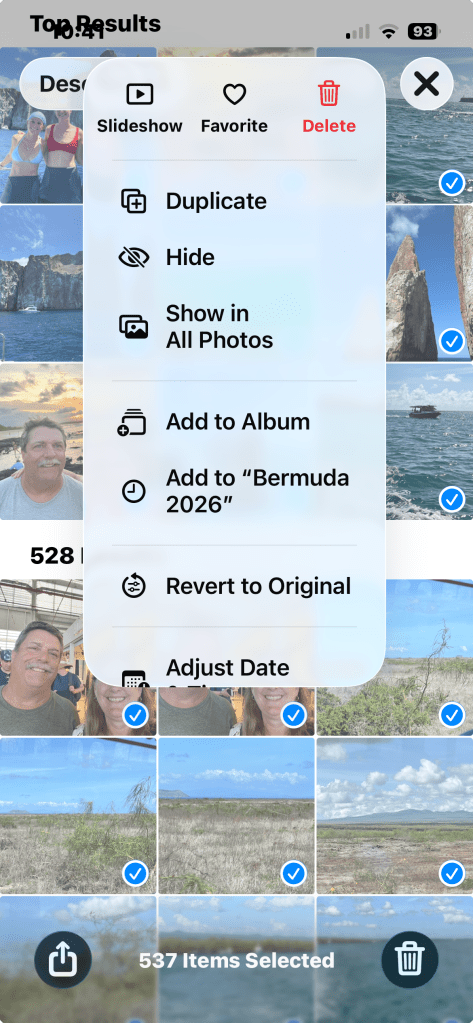
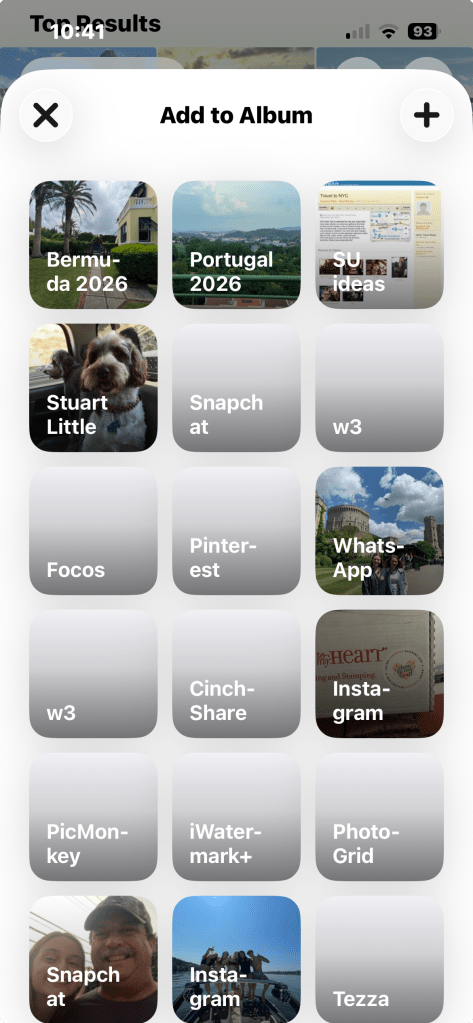
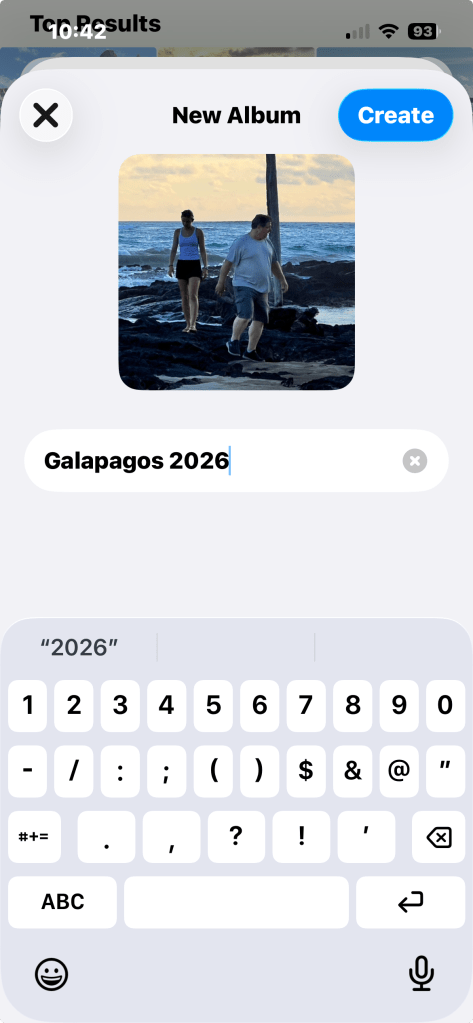
On the iPhone: When I’m on wifi, everything backs up to iCloud and Google Photos at the same time — that part’s mostly automatic. From there, I search the trip name (so for this one, “Portugal”) and it pulls up all the matching photos. I select all of them, add them to a new album, and name it something simple like Portugal 2026. I did the same for Bermuda — though since I’d also been there last year, I had to be a little more careful and search for Bermuda 2026 to select the current trip photos photos so I wasn’t mixing two trips into one album.
On Google Photos: I create a matching album there and share it with whoever else was on the trip taking pictures, in this case, my husband. He got some shots I didn’t, and I want access to those for scrapbooking too. A shared album means I’m not asking him to text me forty photos one at a time.
A couple of honest notes: I don’t delete anything, and I don’t favorite photos either. I know that’s the “right” way to do it, and it would make picking layout photos easier later, but I haven’t made it a habit. Instead I use search in my photos by theme or color or ephemera that I am going to use. That brings up possible photos that would work with the paper, embellishments and colors within the paper pack.
Memory Joggers: Capturing the Story Before You Forget It 💭
Here’s the thing about travel photos, by the time I actually sit down to scrapbook them, weeks or months or years may have passed, and the little details are the first things to go. Not the big stuff, but the small things: what someone said, why a photo is funny, what the weather was actually like that day.
I don’t have this perfected, but here’s some ways that I am thinking about for future trips:
- A running note on your phone. One simple Notes app entry for the whole trip, with a line or two per day, can be enough of a skeleton to jog your memory months later when you finally sit down with your kit. This one I think is the most efficient way and wish I has thought of it when I was on the trip.
- Use the caption field. Both iPhone Photos and Google Photos let you add a caption or description directly to one of the photos in the grouping. Even a quick line “this is the pub where everyone started singing” saves you from staring at a photo later with zero memory of the context. This is best after your trip if you have not taken any notes and are sorting through your photo’s.
- Voice memo it. If you’re someone who talks faster than you type, a quick voice memo at the end of each day can capture more detail than you’d bother writing down. You don’t have to transcribe it right away, just having it saved means the memory isn’t gone. The least likely way for me and it will get lost in my phone an never listened to.
The goal isn’t to journal the whole trip in real time, it’s just to leave yourself enough breadcrumbs that the memory doesn’t disappear before you get to the page.
Do you have a system that works for you? I’d genuinely love to hear it in the comments as I’m still figuring mine out.
On My Desk: Wrapping Up Life in Bloom & Starting Silly Ole Bear 🐻
This week I’m finishing up the third Life in Bloom Scrapbooking Workshop layout, and I’m also getting started on a Silly Ole Bear mini album for The Golden Scissors membership. I laid out all the paper, stamps, and dies on my desk to show the work-in-progress side of it — sometimes it’s nice to see the mess before the finished page. This will be a baby book for my newest nephew and I’m excited to put this together for them.
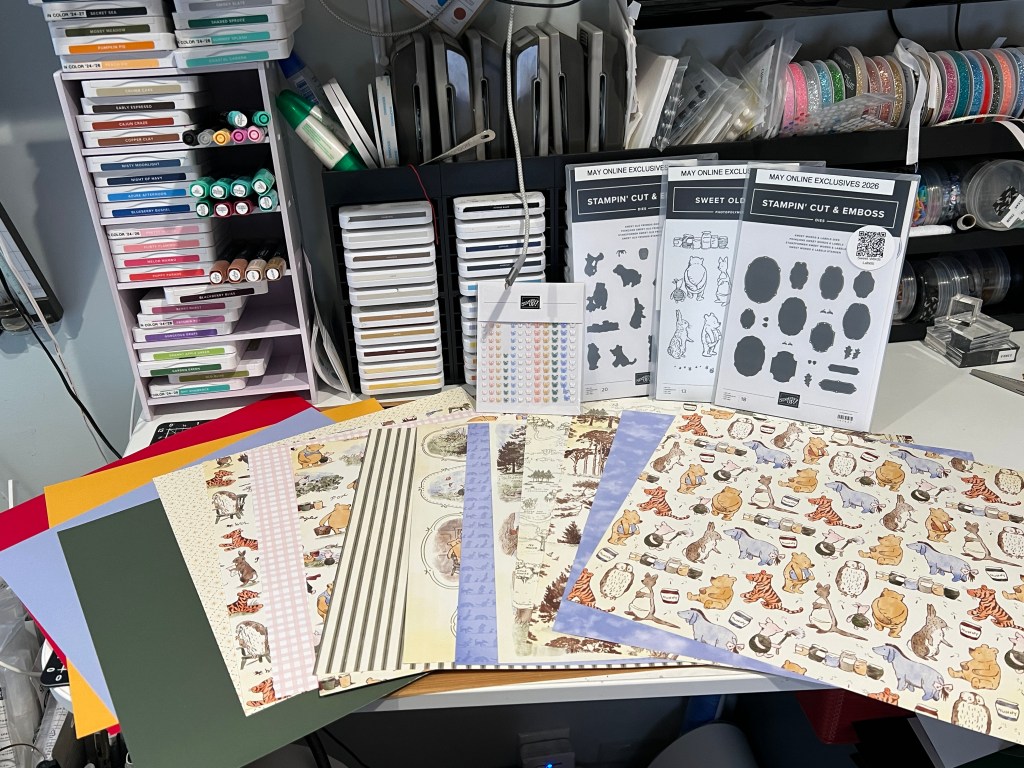
Both videos should be up on YouTube this week — one wrapping up Life in Bloom, and one diving into the mini album process.
A quick note on why the Silly Ole Bear project lives in the membership and not my public channel: it uses artwork created by someone else, and I’m not able to share that kind of content publicly due to licensing restrictions. The Golden Scissors is where I can show projects like this one.
✂️ The Golden Scissors Membership
If you’ve been on the fence about joining, the Silly Ole Bear mini album is a good reason to take a look this month. It’s $4.99/month, and you can cancel anytime.
👉 Join The Golden Scissors here
New for July: Online Exclusives & Two New Kits 🆕
There’s a lot launching at once this month. Online Exclusives go live July 1st, along with two new kit collections — so here’s the rundown.
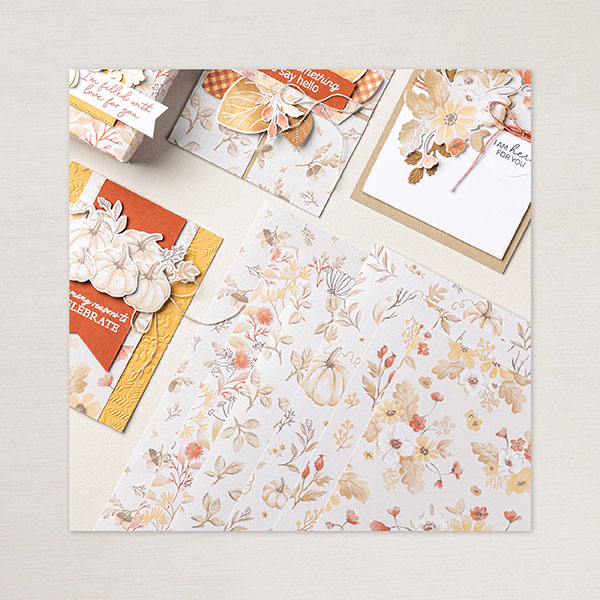
Online Exclusives: This round includes two suites — Frightfully Fun and Christmas in July. Yes, both Halloween and Christmas show up in the same drop, which always feels a little funny in the middle of summer, but it means you can get a head start on holiday projects well before the season actually hits.
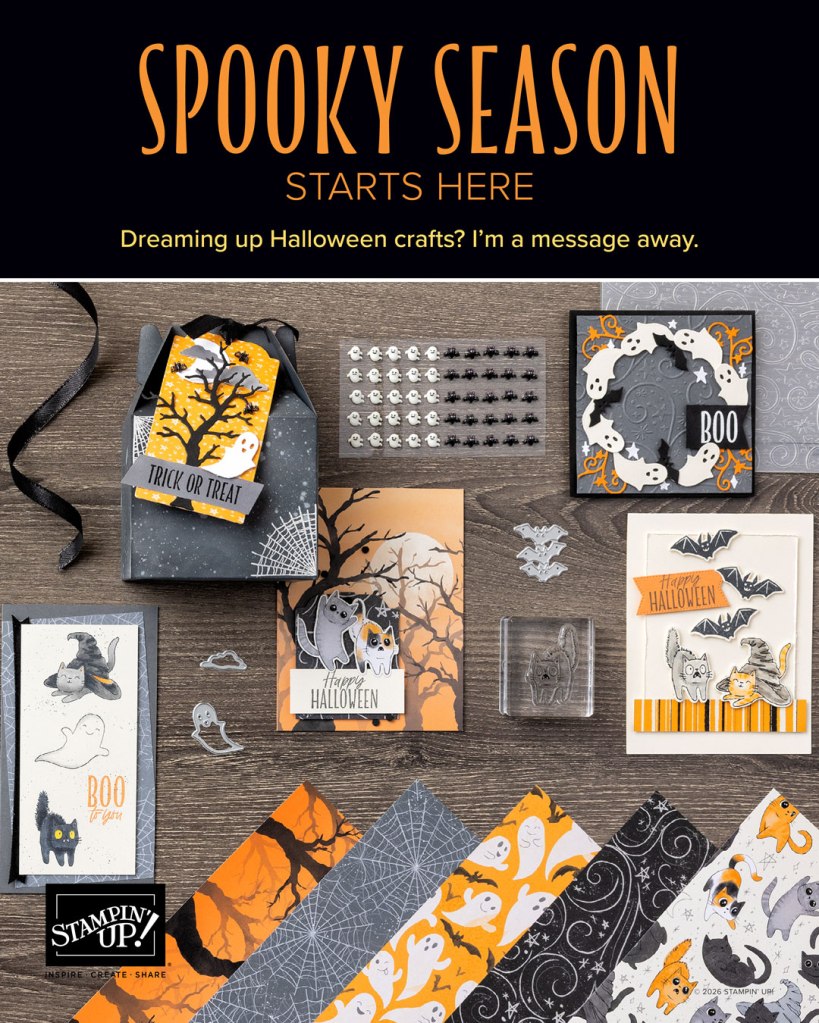
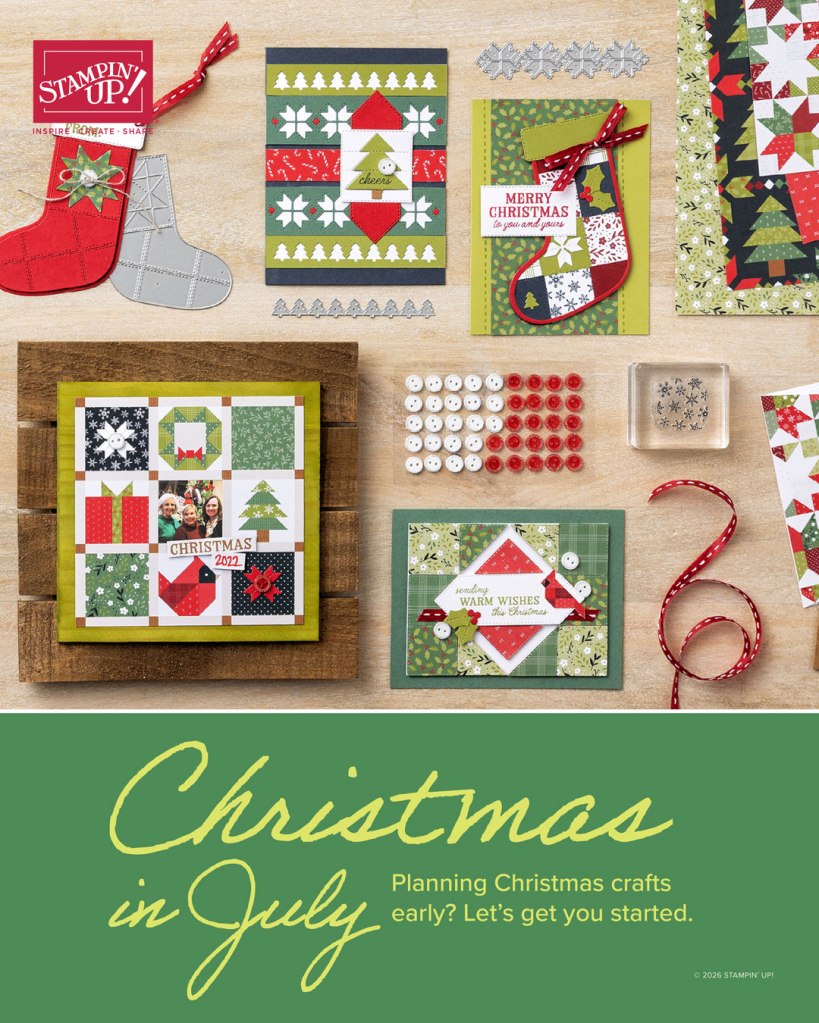
There are other summer seasonal options as well in the Online Exclusives if you can’t get into the holiday spirit this early in the year. I do believe this will be the only Halloween options for this year as I understand it.
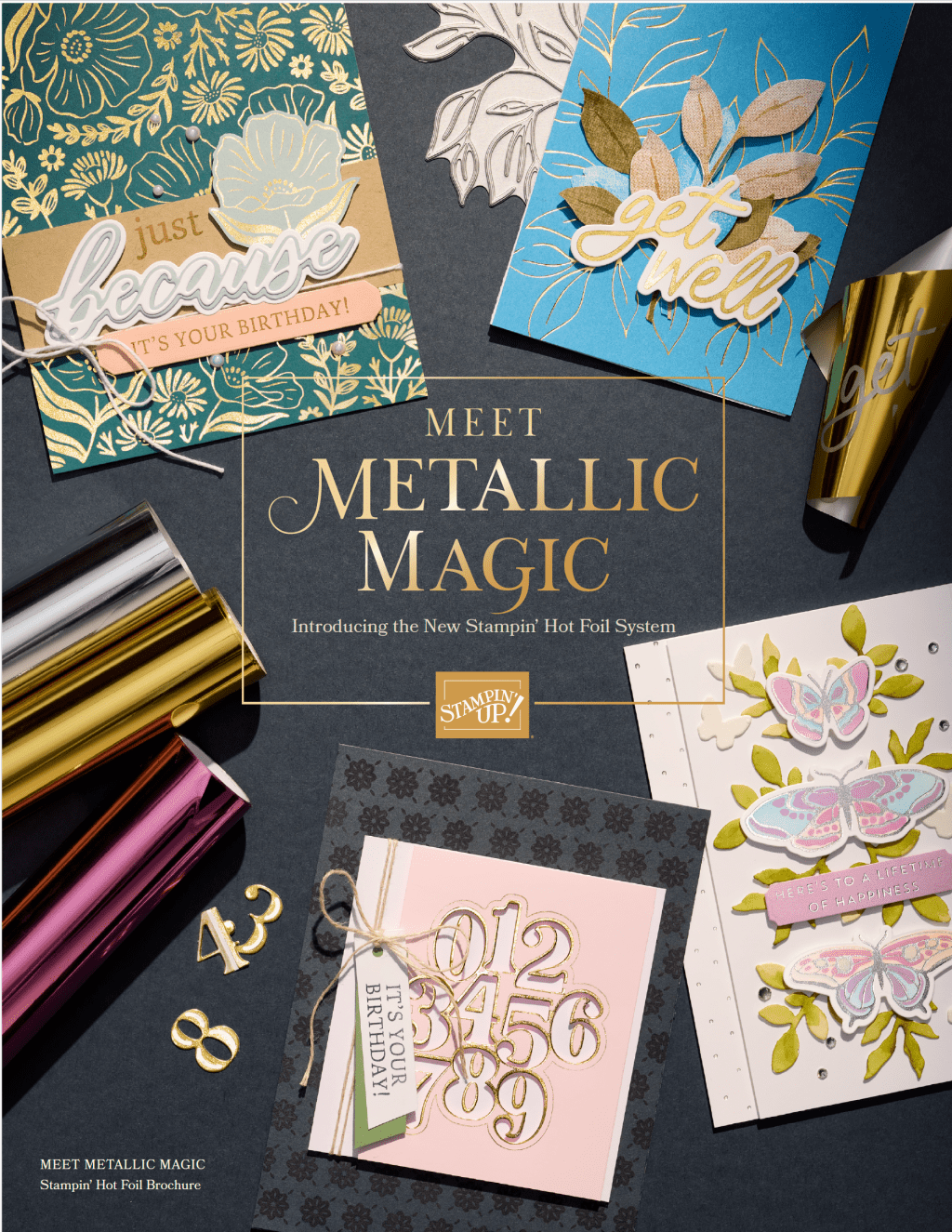
Here is a link to all the online exclusives pdf
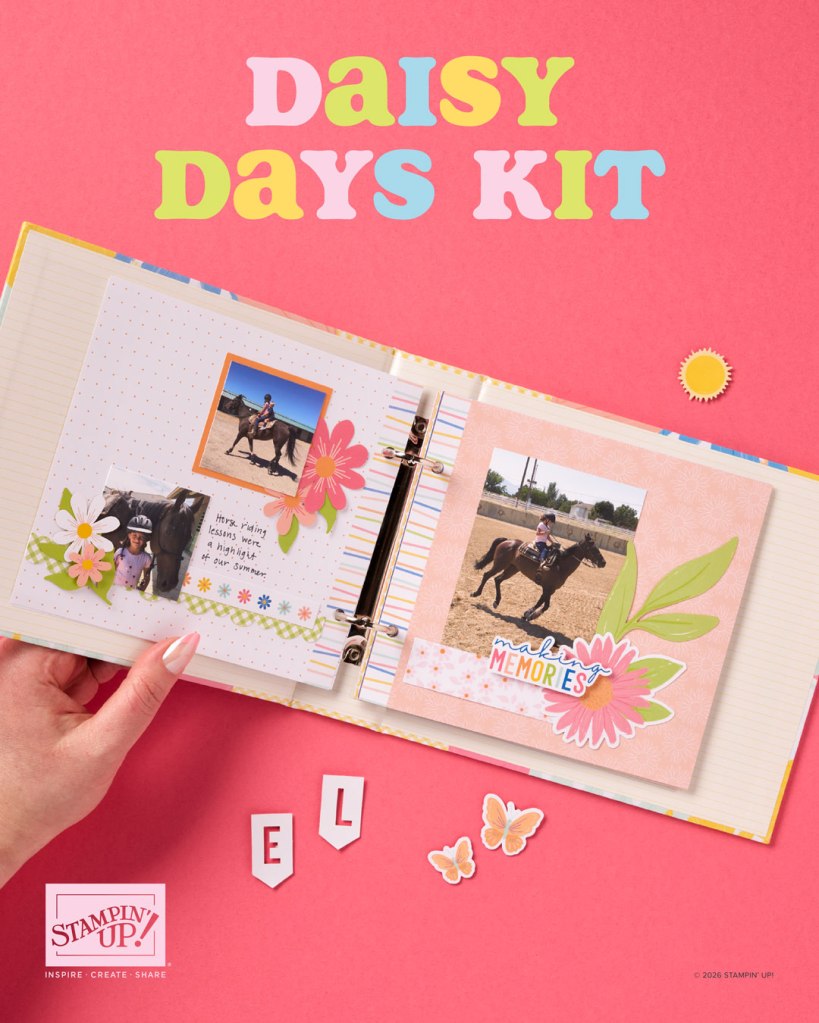
New Kits: The 2 kits for July, the first is Daisy Days 6×6 Mini Album Kit. It is a complete mini album kit using 6×6 papers, which is a nice format if you want a finished project that doesn’t take up much shelf space.
The 2nd kit is Gilded Gallery Card Kit which is a set of 10 card: 5 card of 2 designs. Gilded Gallery Kit creates designs that feel truly frame-worthy. Soft lavender and coral tones, watercolor-style florals and birds, and gilded paper frames paired with gold foil give every card an upscaled, fine-art look
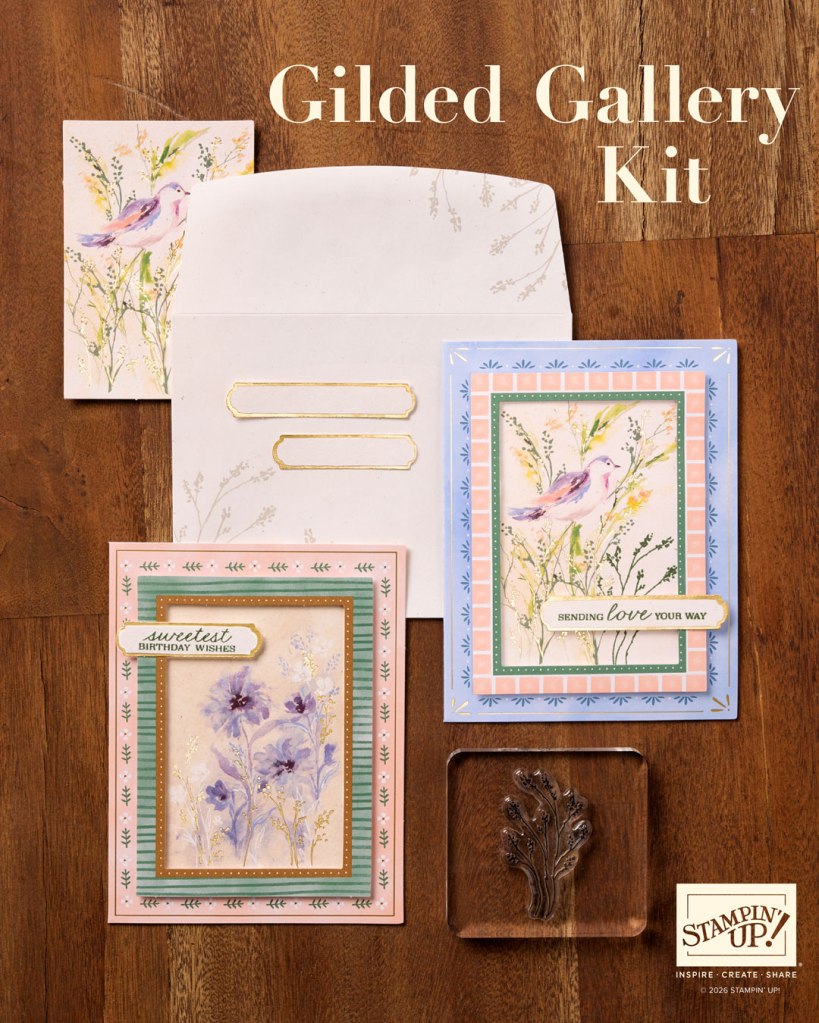
👉 Everything will be live in my shop starting today July 1st
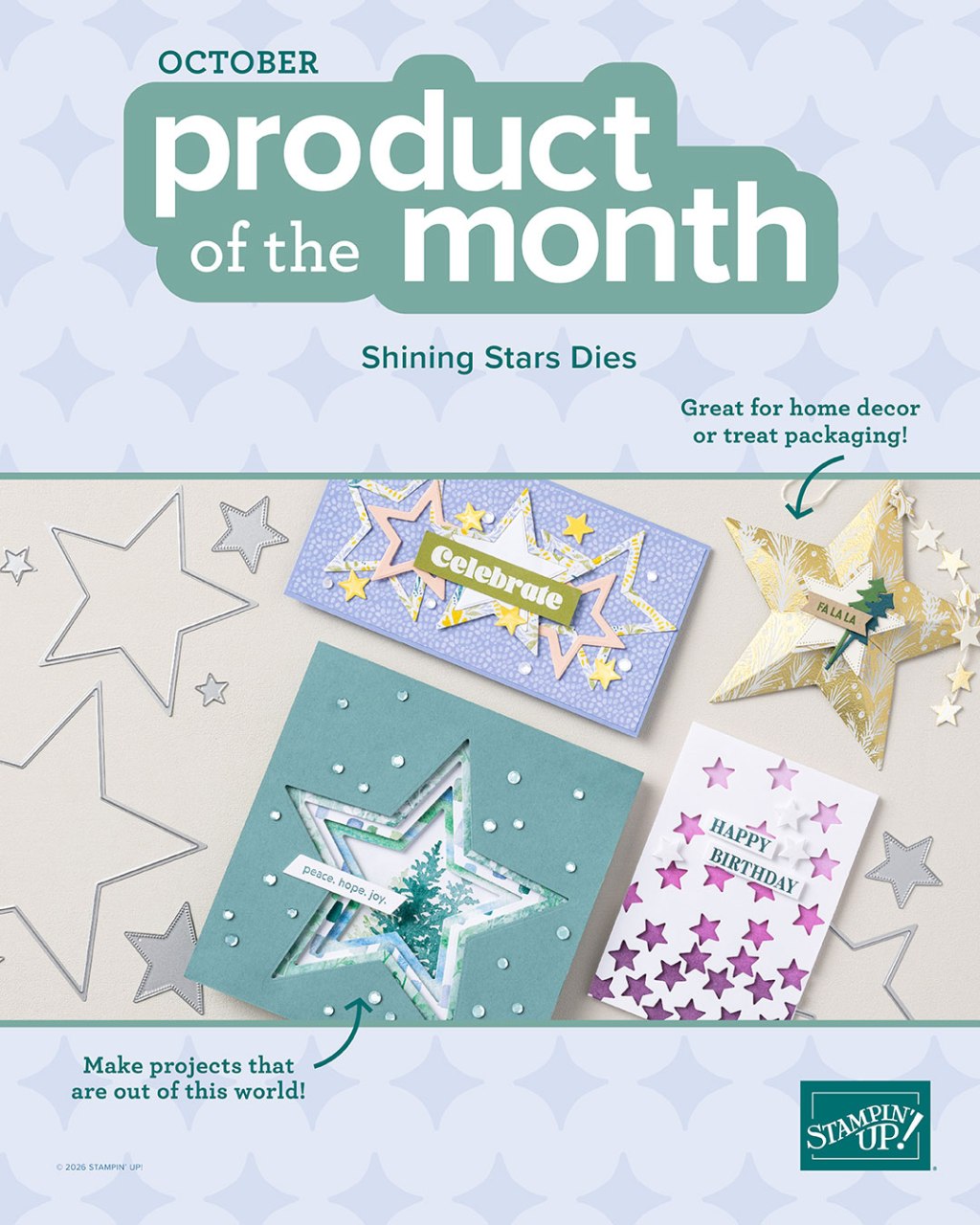
July Product of the Month: Begonia Belle Stamp Set 🌺
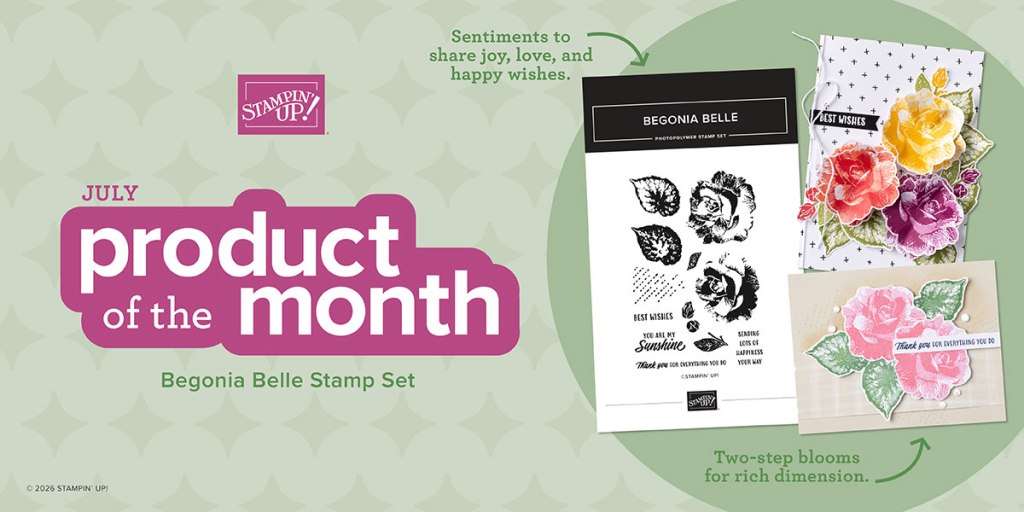
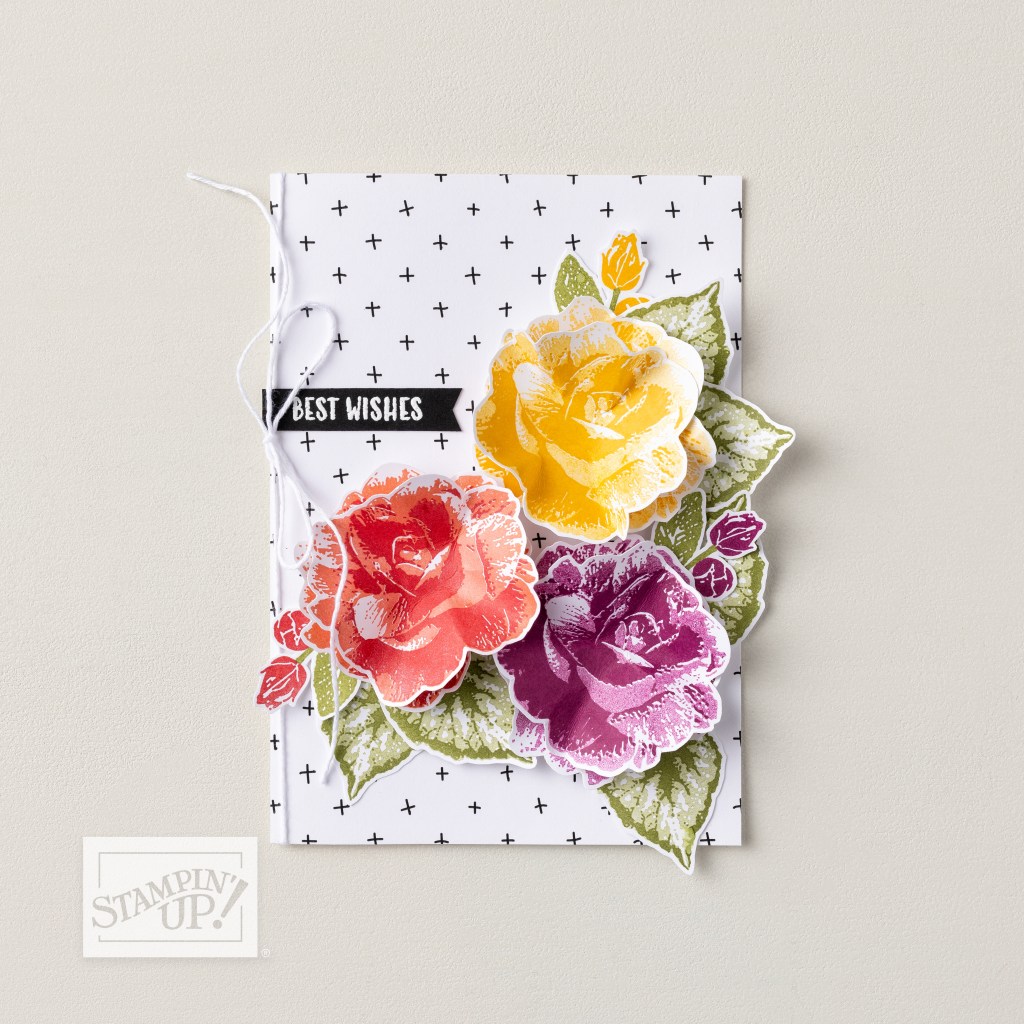
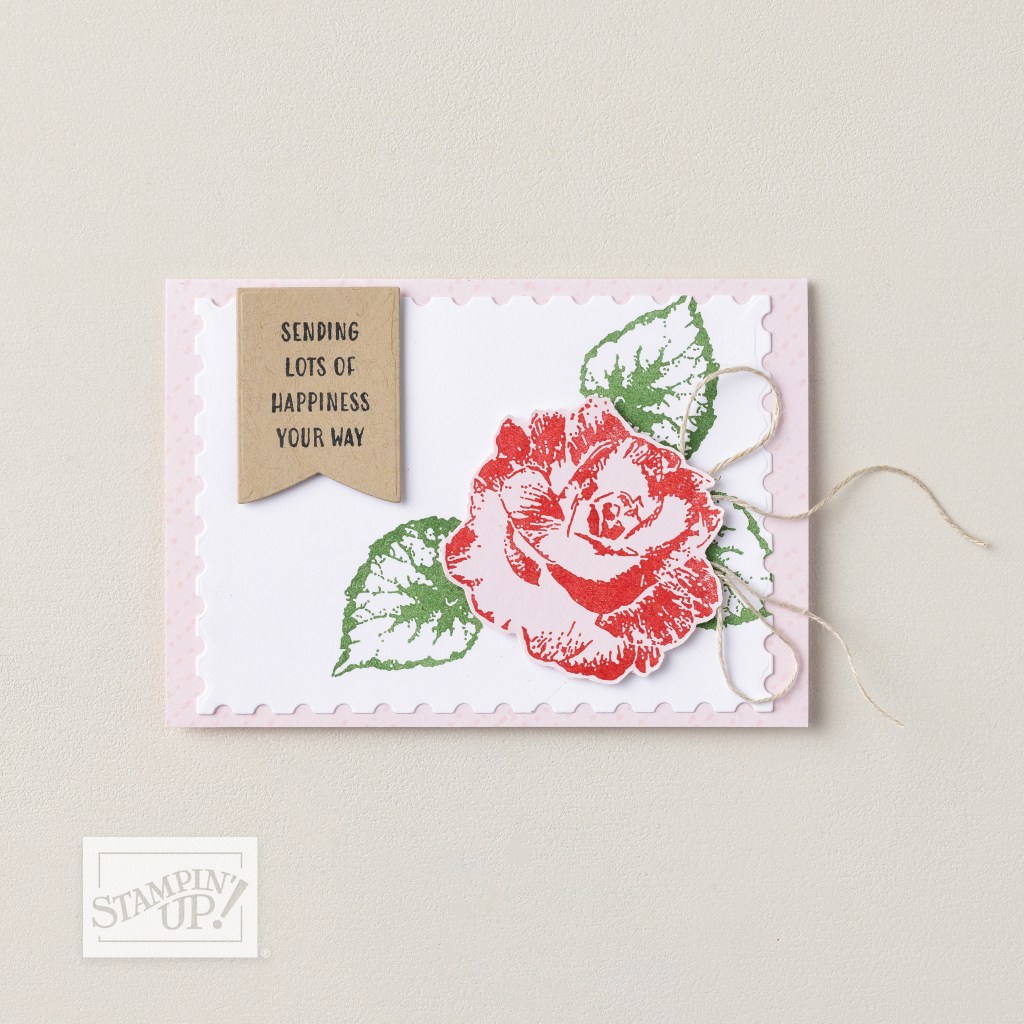
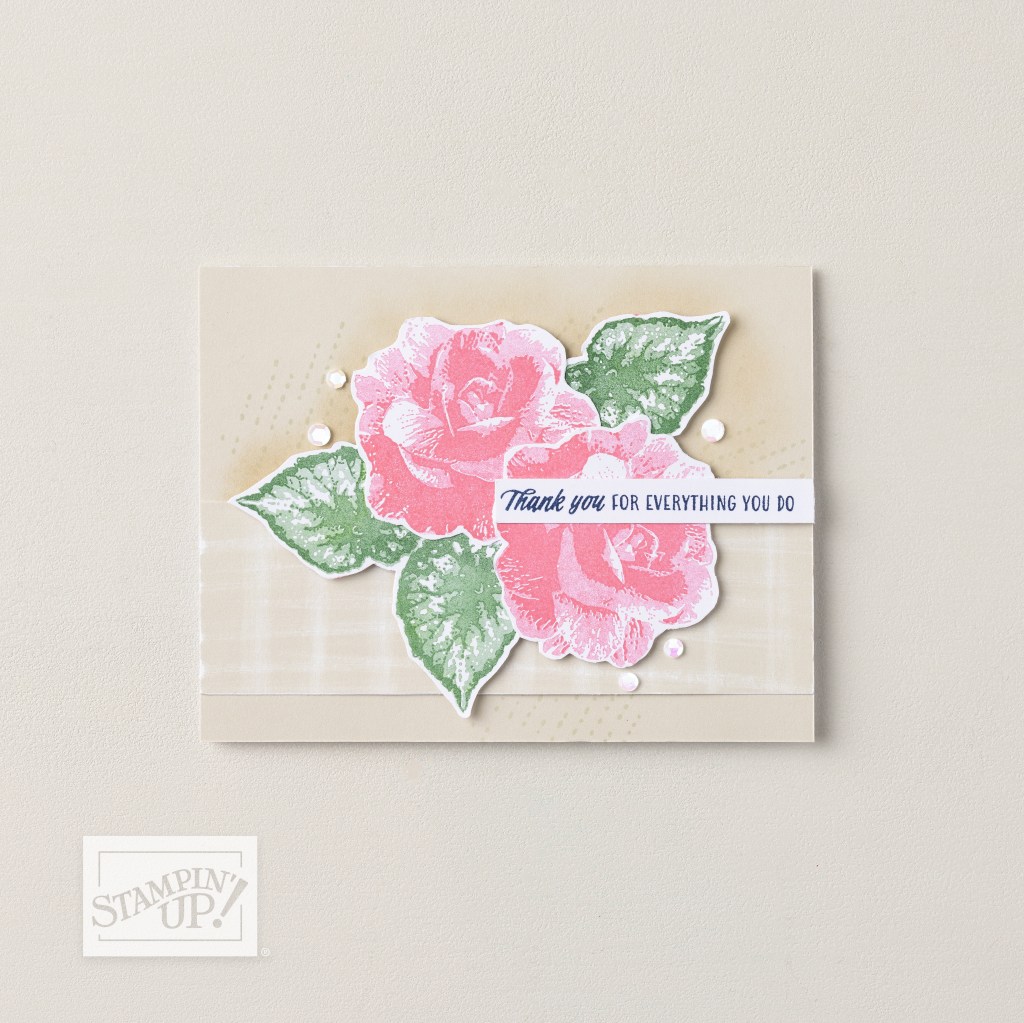
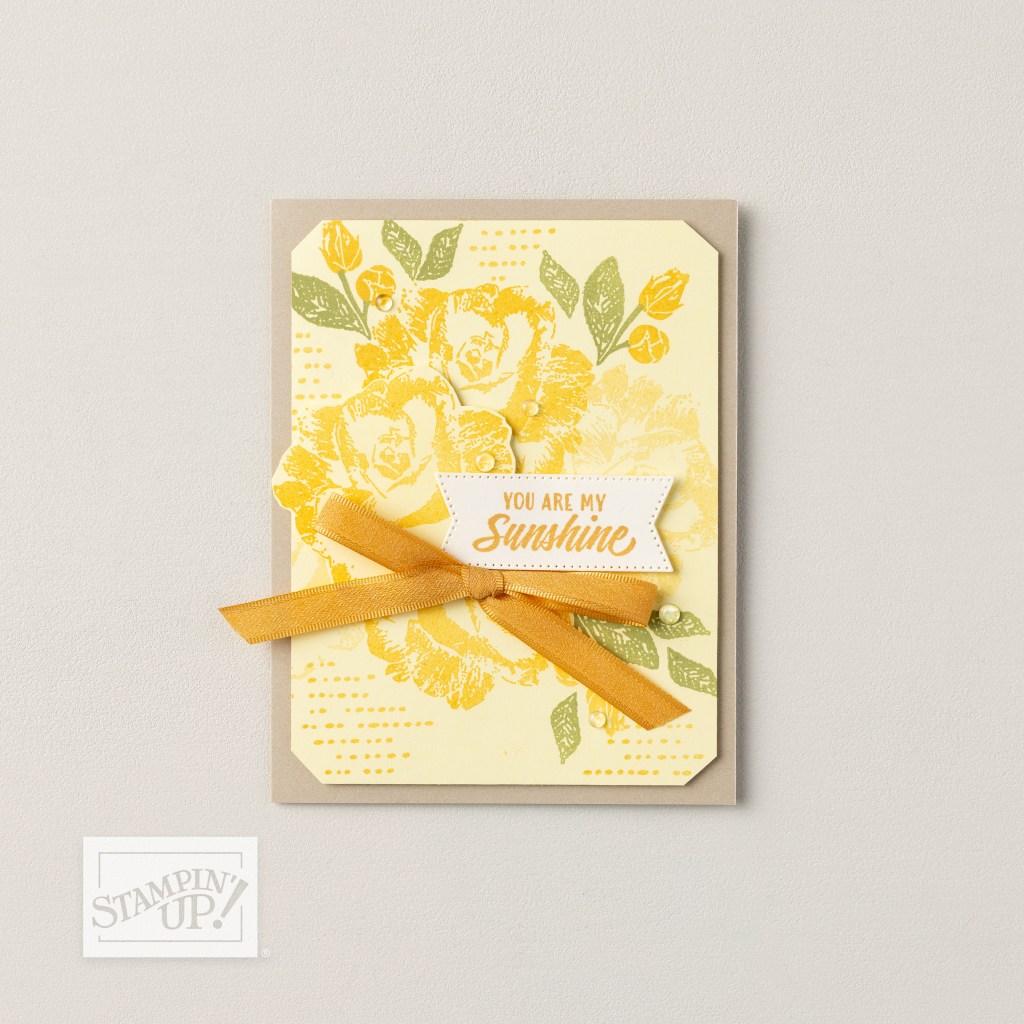
Starting July 1st, the Product of the Month is the Begonia Belle Stamp Set — a two-step stamp set with 12 stamps. If you’ve used a two-step set before, you know the look: stamp the outline first, then layer the color image on top for a more finished, detailed result than a single-step stamp gives you.
How to get it: Begonia Belle is $5.00 with a $75 order.
Introducing The Stash and Sketch Challenge Facebook Group 🎨✂️
I’m starting something new this month and I’m pretty excited about it. I’ve set up a Facebook group called The Stash and Sketch Challenge, and the whole idea is simple: use what you have, follow a sketch, and make something.
Each month I’ll share a sketch, and you create a card or a scrapbook page using it. When you’re done, post your completed project in the group and list the products you used. That last part is important — the product list makes the group searchable over time, so if someone is looking for inspiration using a specific stamp set or paper pack six months from now, they can find it. The group becomes a resource, not just a feed.
Here’s how it works:
- I share a monthly sketch in the group: alternating between layouts and cards
- You create a card or scrapbook page using that sketch
- Post your finished project in the group and list the products you used
- Each completed project submission enters you in a random draw for that month
- Submit more than one project and each one counts as a separate entry
The prize: The monthly winner receives $5 in Stampin’ Up! Stampin’ Rewards deposited directly into their SU account, good for 90 days toward a future order. To be eligible you’ll need an active Stampin’ Up! account with communications enabled, and you’ll need to provide your SU first name, last name, and account email so I can get the rewards to you.
It’s a fun way to get something made, bust into your stash a little, and build up a library of ideas we can all refer back to. I’d love to see this group grow into something really useful.
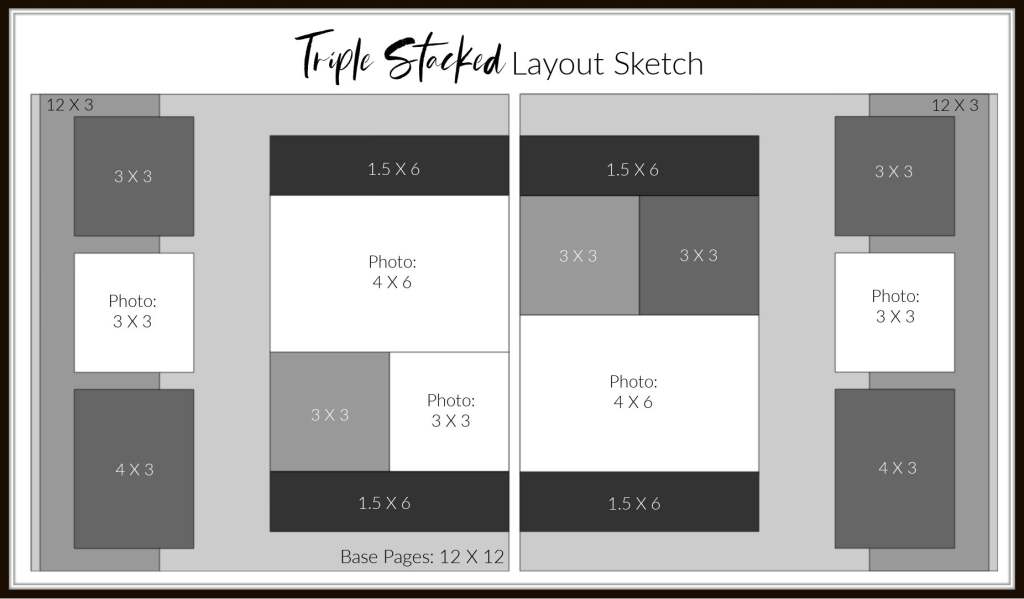
July Sketch – This one is great for using parts of the card kits to create a layout from.
👉 Join The Stash and Sketch Challenge Facebook Group
Let’s Stay Connected!
- 📌 Pinterest: scrappingstudiowliz
- 📘 Facebook: scrappingstudio
- 📸 Instagram: scrappingstudio
- 🛍️ Shop Stampin’ Up!: My online store
- 🎁 Paper Pumpkin: Sign up here
- 🌐 Website: scrappingstudio.com
💬 Join the Conversation
How do you organize photos after a big trip — do you have a system, or is it more of a “deal with it eventually” situation like mine? And if you’ve got a good memory-jogger trick for capturing details before they fade, I want to hear it. Drop it in the comments!
Don’t forget to join the Challenge Facebook Group to submit your finished project for a chance to win $5 of Stampin’ Rewards.
See you in the Studio, Liz


Leave a Reply